
Overview
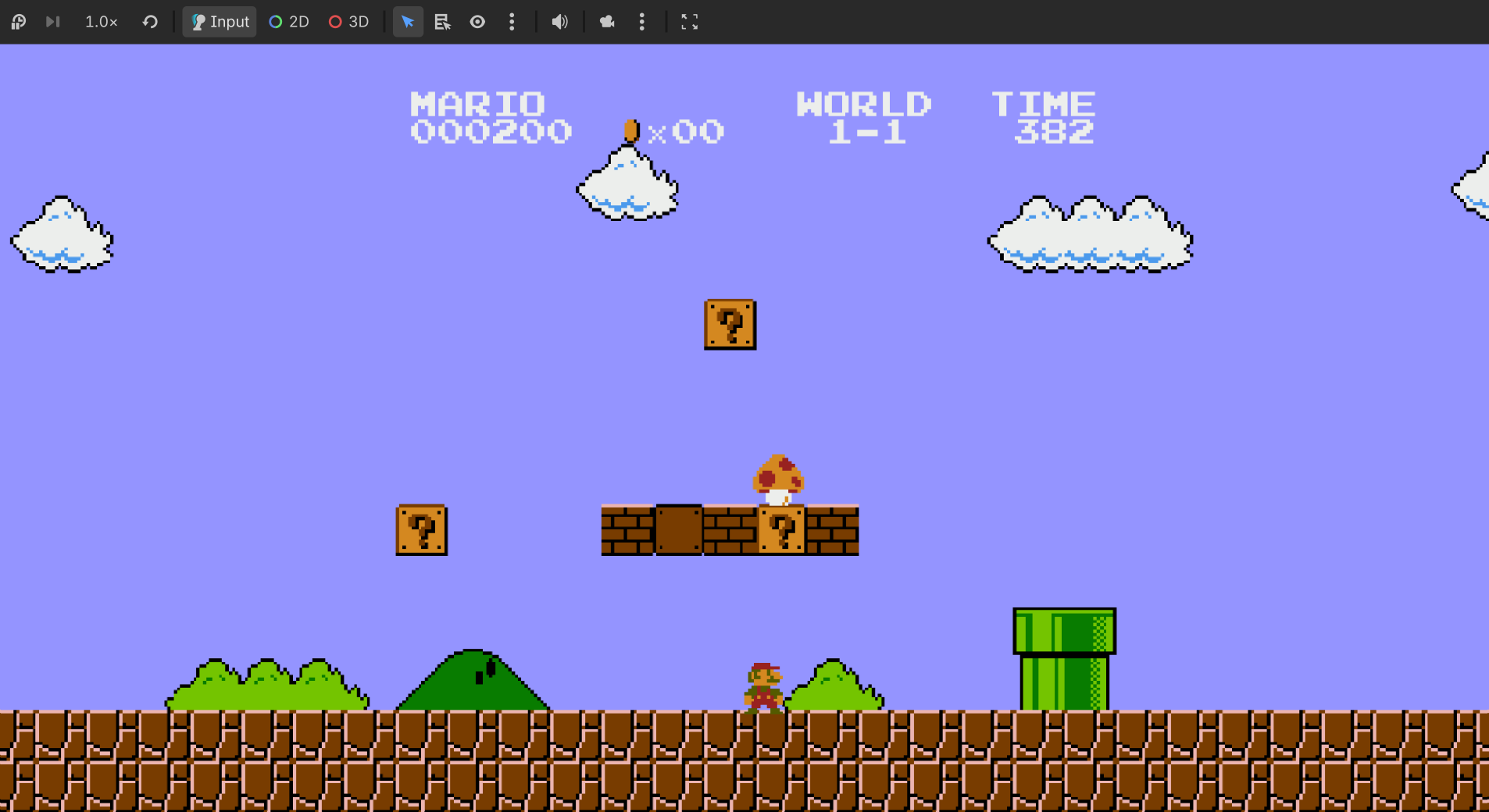
I am building a ground-up recreation of the original Super Mario Bros. in the Godot engine, and documenting the entire process as a YouTube series that brought over 50,000 views in a single month. The project covers everything: a custom pipeline that extracts sprites and audio directly from the NES ROM, a faithful reimplementation of the NES 4-channel audio system, and the game itself with accurate physics, level transitions, and mechanics.
The entire project is constrained by one rule: no Nintendo assets can be distributed. The user provides their own ROM, my tools generate the assets. That constraint shaped every decision.

The DMCA Problem
The first thing I thought about when I decided to remake Super Mario Bros. was Nintendo's legal team. I cannot distribute Nintendo's assets. But if the user provides their own ROM and my tool generates the assets from that, the legal position is substantially different. The tool ships no graphics, no audio, just the instructions for building them.
That constraint is what pushed me to build the sprite extraction tool and the audio pipeline in the first place. I could have downloaded a sprite sheet from the internet and been done in an afternoon. Instead, I spent weeks building tools that reverse-engineer the ROM, and the project became significantly more interesting because of it.
Extracting the Sprites
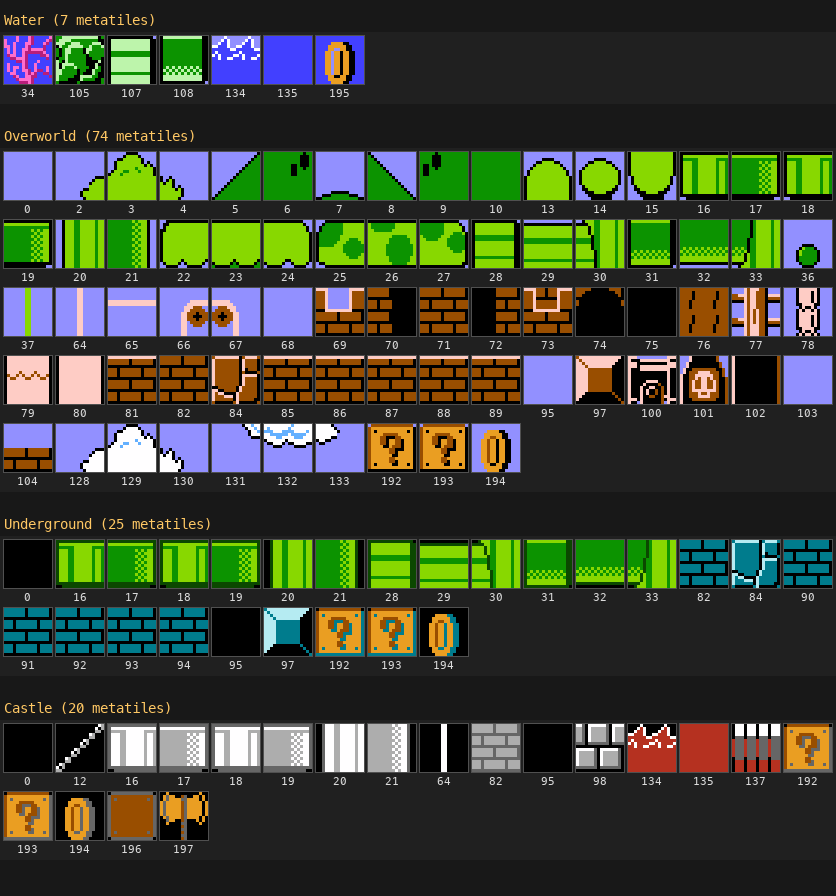
The NES stores all its graphics in a section of the ROM called CHR ROM: 512 tiles, each 8x8 pixels, each with no color baked in. The tiles are just palette slot values (0 through 3), and the game assigns actual colors at runtime. When you extract the CHR data raw, you get a grid of monochrome blocks with no labels. Nothing in the ROM says "these tiles are Mario walking." That mapping lives entirely in the game code.
My first approach was to go forward from the ROM: extract tiles, read the sprite lookup tables from a public disassembly, and assemble everything programmatically. I ran into the flipping problem fast. The NES mirrors tiles horizontally and vertically to save storage, and figuring out which tiles are flipped in which direction for every sprite meant I was essentially rewriting a partial rendering engine. I was losing steam.

"I'm not going to pretend it was easy because I was starting to lose steam. Having to figure out which tiles are flipped and rebuild them, basically having to partially rewrite a rendering engine. That's a lot of work just to get a sprite output to a screen."
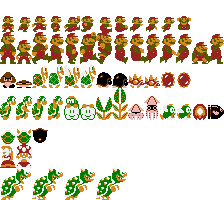
Then I had a different idea. What if instead of going ROM to sprites, I went backwards? I took an existing sprite sheet as a private reference and wrote a tool that compares each 8x8 cell to every tile in the CHR ROM, checks all four orientations, and records the match. The output is what I call a recipe: a data file containing just numbers about which tiles compose which sprites, which is distributable because it contains no artwork.
The auto-matcher worked for most tiles, but solid color blocks were ambiguous since they matched a dozen regions. So I built a React web editor to view compositions, fix mismatches, and assign palettes. One of the palette data files ended up being about 5,000 lines.
"If I go to the clouds, you can see the composition. And this is the bush variant. Pretty interesting. They're actually the same sprite, fun fact."
The final piece was exporting everything indexed. Instead of baking real colors into the sprites, each pixel stores its palette slot value, and a shader in Godot applies the actual colors at runtime. That means Star power, Fire Mario, and underground palettes are all just palette swaps on the same sprite data, which is actually how the original hardware works.
Rebuilding the Audio
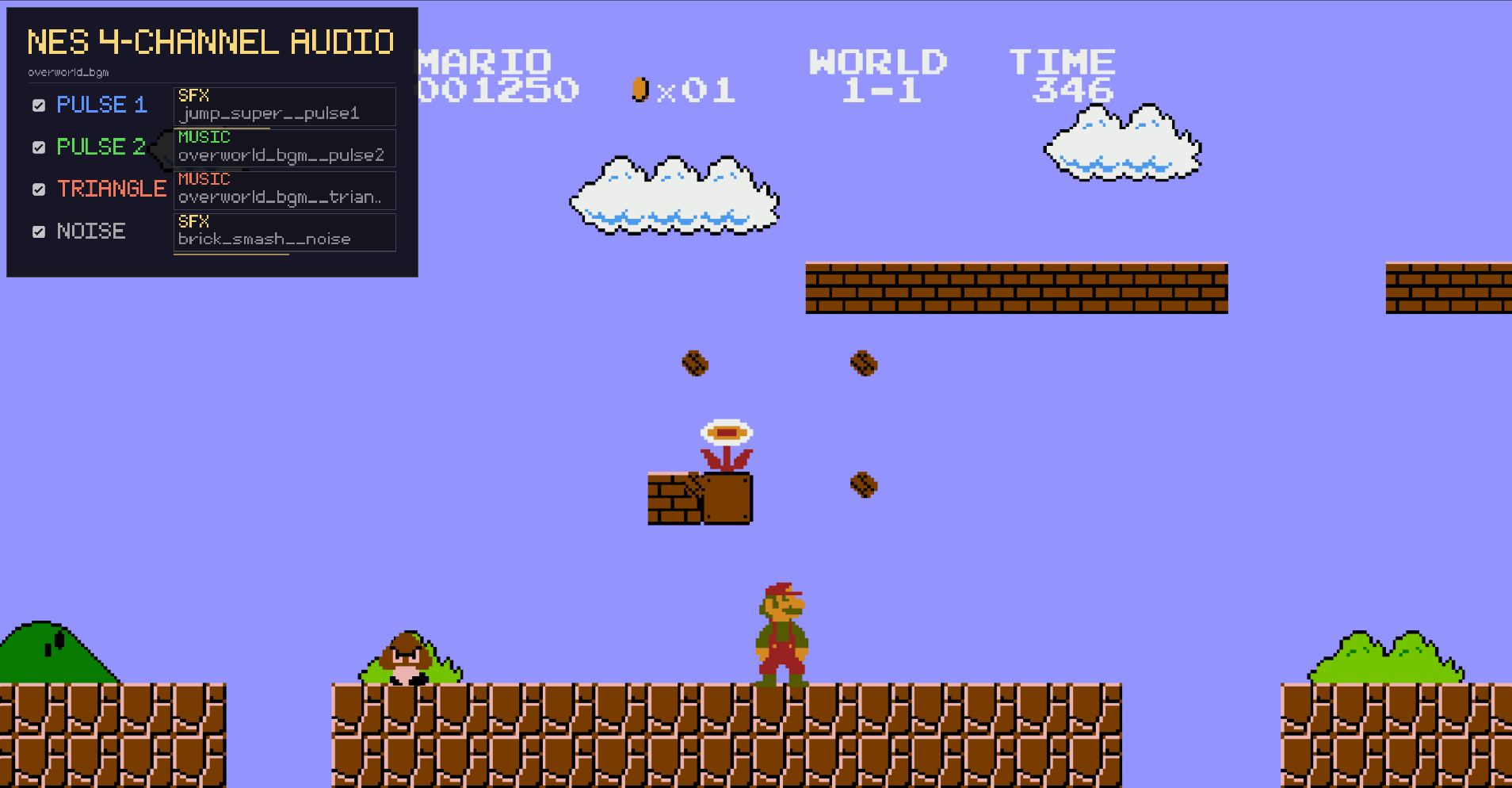
My biggest issue with anyone's Mario remake is that they do not implement the sound faithfully. The NES only has four usable audio channels, and there is no separate bus for sound effects. Music and sound effects share those same channels. When you collect a coin, the coin sound literally takes over one of the melody channels for a moment, and the music hiccups. That characteristic dropout is a huge part of what makes NES audio sound the way it does, and almost nobody recreates it.
I found an old tool called VGM2WAV that can export each channel from an NSF file as a separate WAV. I ran the export, loaded all four files into Godot, hit play, and it sounded wrong. The notes were all correct, but the channels were out of sync. I dug into the tool's source code and found it: an auto-trim feature that strips leading silence from each channel independently. Since each channel enters the music at a different point, trimming them separately shifts everything by different amounts.
"Each channel has a different amount of leading silence because they don't all come in at the same time. So when VGM2WAV trims the silence off each channel independently, it shifts them all by different amounts, and now nothing lines up anymore."
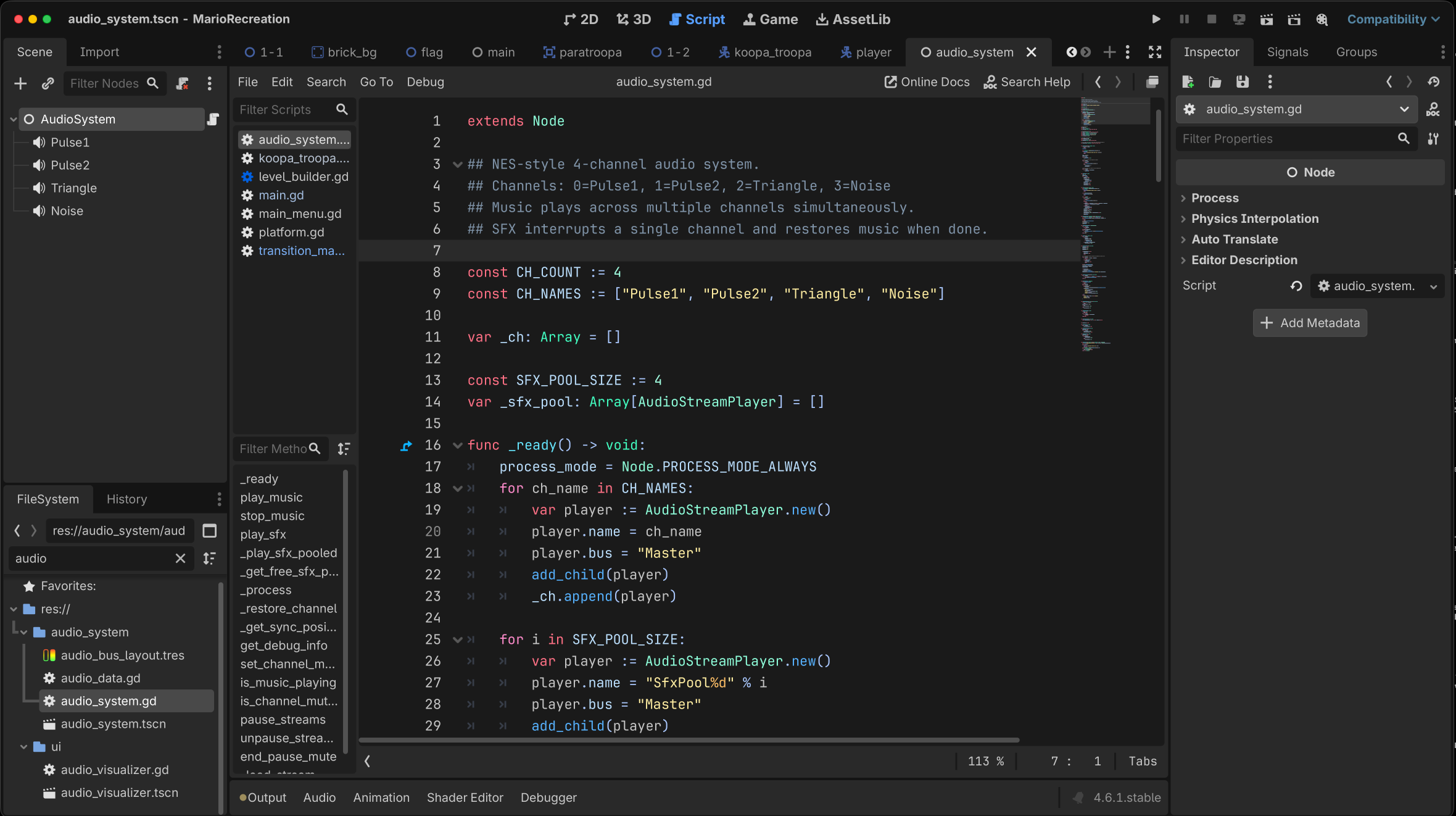
I disabled auto-trim, re-exported, and all four channels lined up. In Godot, I set up four AudioStreamPlayer nodes that all start simultaneously when a level loads. When a sound effect needs to play, it steals the relevant music channel, exactly like the real hardware. The coin sound takes over Pulse 1 and the melody drops out for a split second.
Fixing Everything You Noticed
I published the first two videos and the YouTube comments caught things I had completely missed. That feedback loop between the videos and the game became one of the best parts of the project.
Mario Is Skedaddling
Several people pointed out that Mario's walk cycle was way too fast. The word they used was "skedaddling," which is the perfect description. I adjusted the animation speeds to match the original. It is one of those things you do not notice until you see it next to the real thing, and then it is impossible to unsee.
The Logo and the Damage Cycle
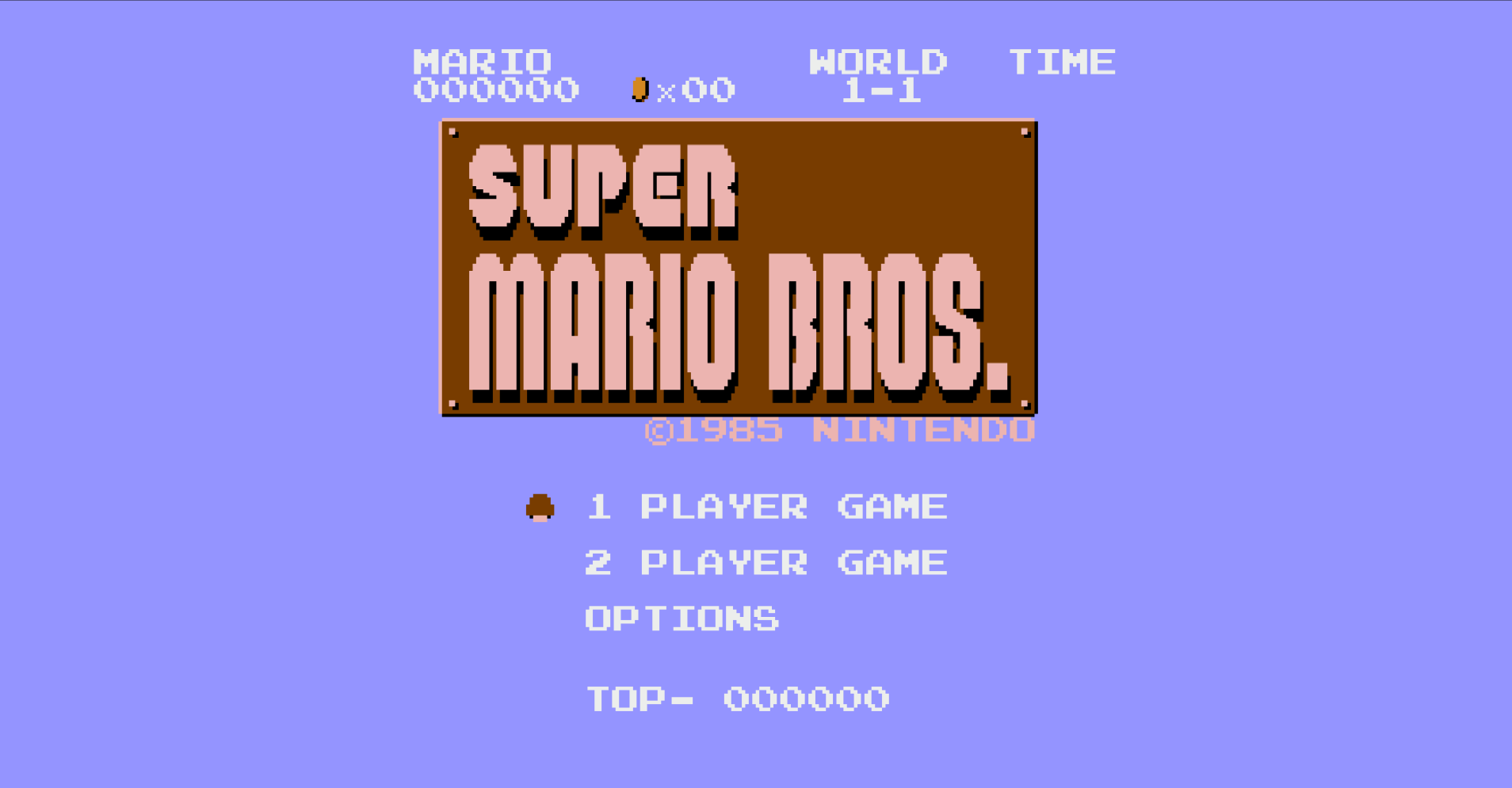
The title screen logo had six tiles mapped incorrectly, and I did not notice until the comments pointed it out. I also had the damage cycle wrong: Fire Mario was going to Big Mario to Small Mario on hit, which is how the newer games work, but the original goes straight from Fire to Small. When I was programming it I must have been thinking about the newer entries.
"The code that handles Mario's state transitions is getting pretty tangled right now. I have the power-up logic, the damage logic, and the animation system all kind of reaching into each other, and when you change one path, something else breaks."
No More External Dependencies
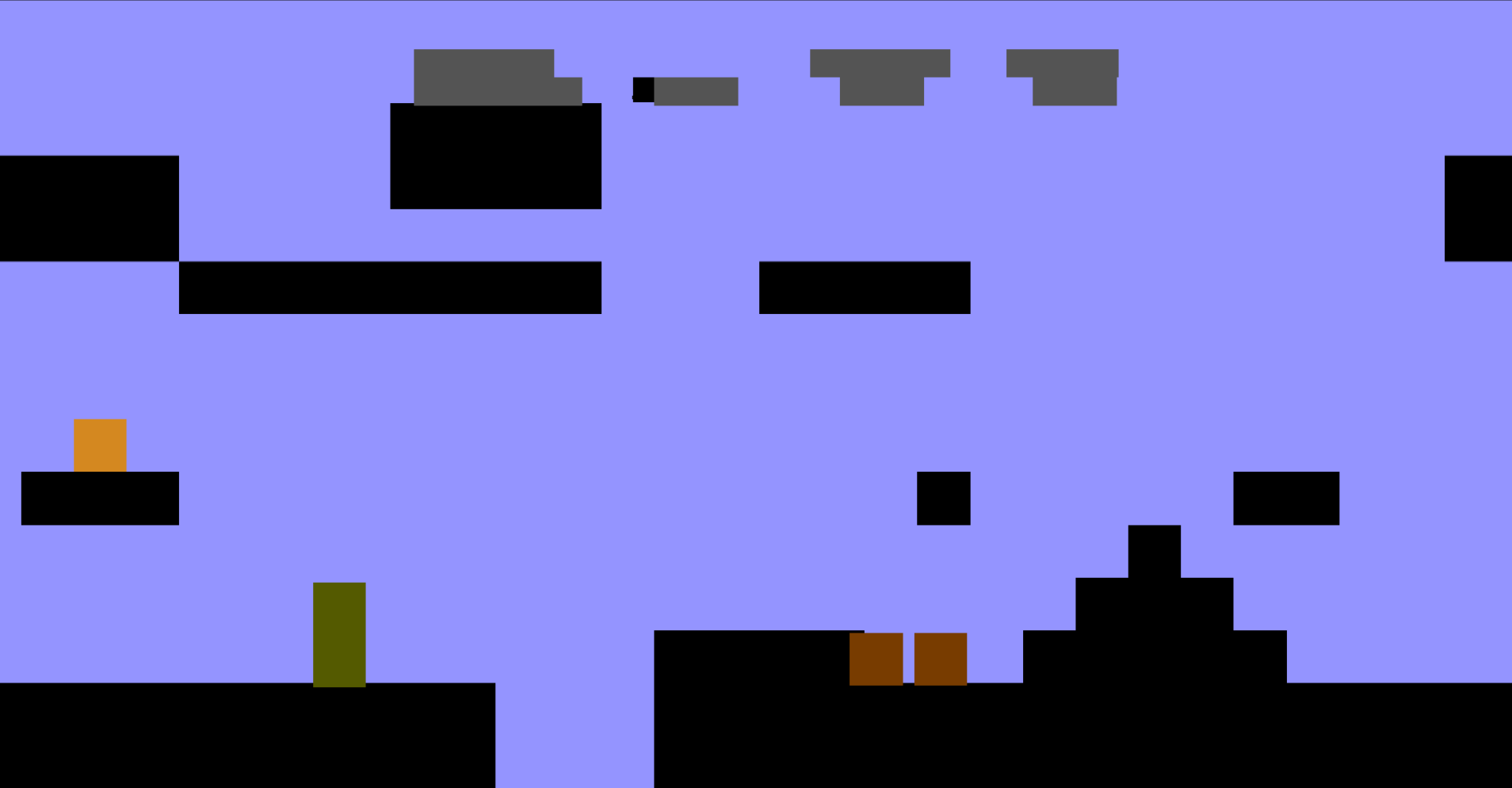
Some people had trouble running the project because of the Python and FFmpeg dependencies. I replaced all of that with in-game extraction: when you open a ROM for the first time, the game itself extracts the assets. No command line, no external tools. And if you choose not to provide a ROM at all, the game still runs with colored squares replacing every sprite. It looks absurd, but it actually plays.
Tightening the Bolts
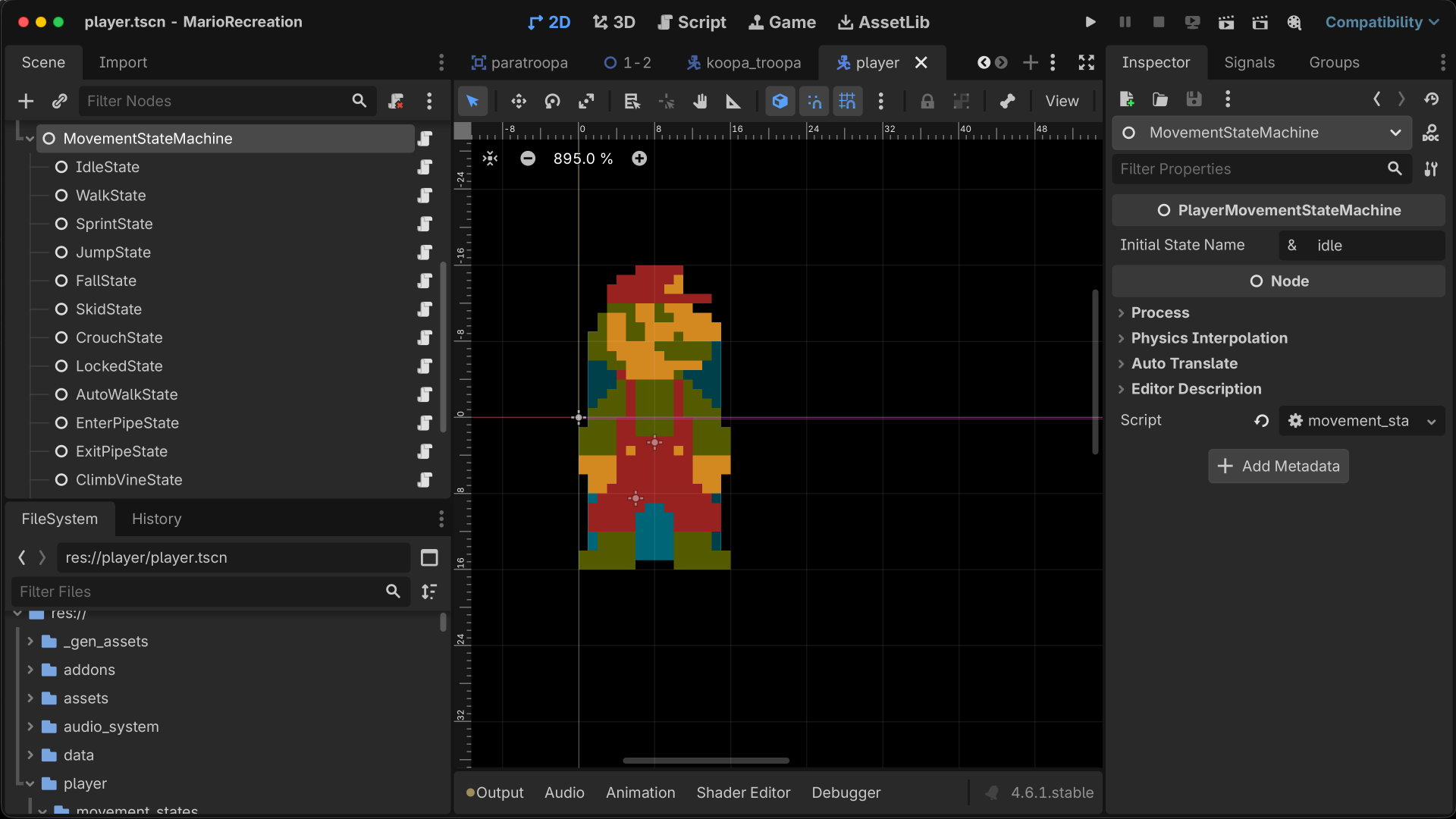
The code for Mario's state transitions had gotten tangled enough that I could not safely add features without breaking something else. I implemented two simultaneous finite state machines: one for movement, one for power-up state. Separating those concerns made everything cleaner.
Then I did a bigger rework than I expected. I converted each level and bonus room into separate scenes, which meant rebuilding the entire pipe system and the scene transition system from scratch. The old version was held together by spaghetti code. With the new pipe system in place, I was able to add the warp zone.

Someone in the comments noticed that the bottom five pixels of sprites are hidden during level transitions in the original game. The coin sprite is actually made up of a tile and a sprite layer, so the bottom part disappears. The palette also switches to the underground colors during the transition. I implemented both. I am still surprised anyone noticed.
I also ran into a Godot bug where controllers kept sending input even when the game window was unfocused. The fix is admittedly nuclear: the script deletes all input maps when the window loses focus and restores them when it regains focus. Aggressive, but it is the only thing that worked.
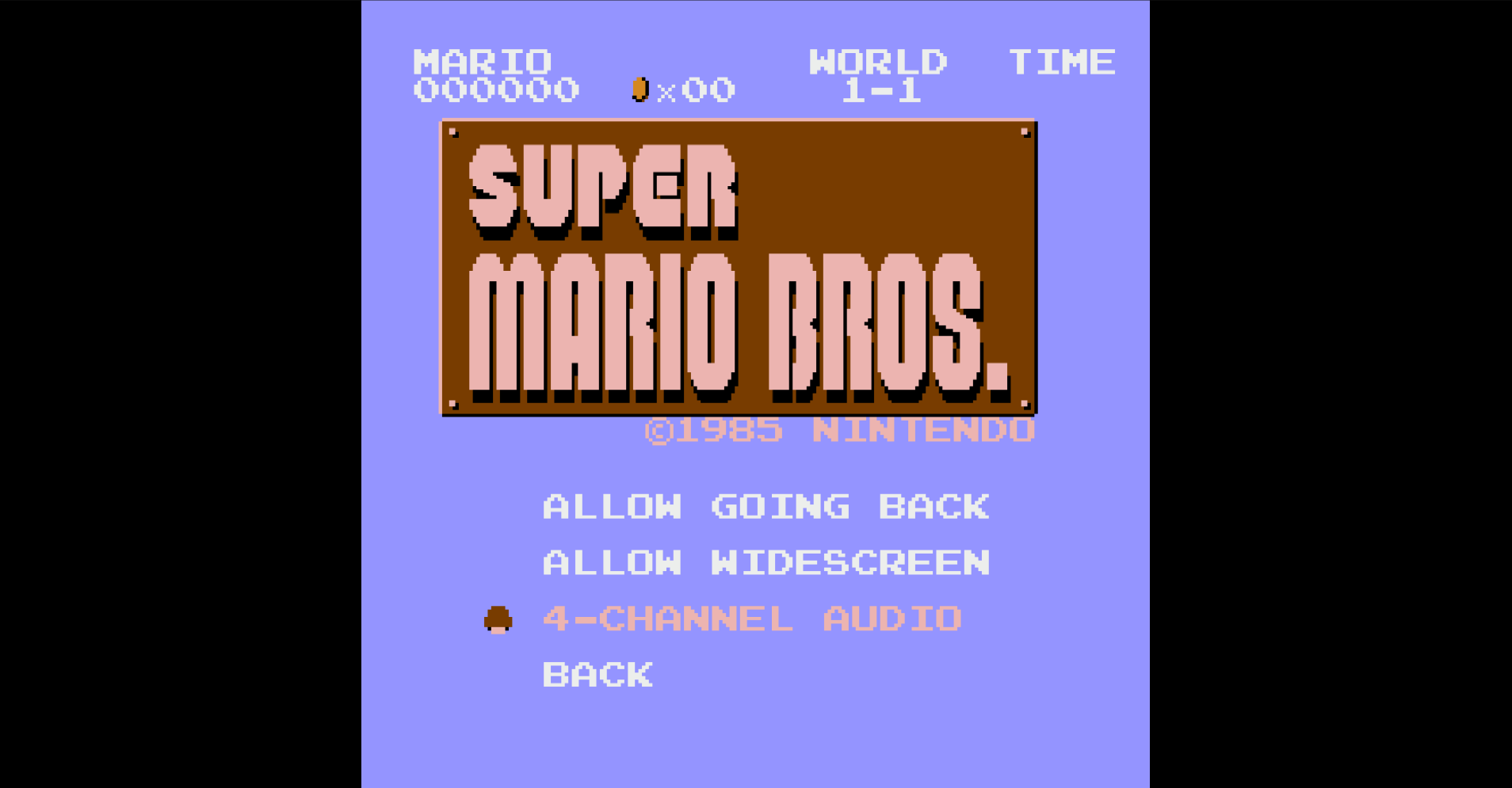
For polish, I added an options menu with widescreen toggle and the ability to disable channel stealing for people who prefer uninterrupted audio. The push camera that prevents Mario from scrolling left uses a static body at the viewport edge instead of position snapping, which kept the camera smooth. There was a funny initial bug where the static body dragged all the mobs and items with it, because it was on the wrong collision layer.

Content Creation
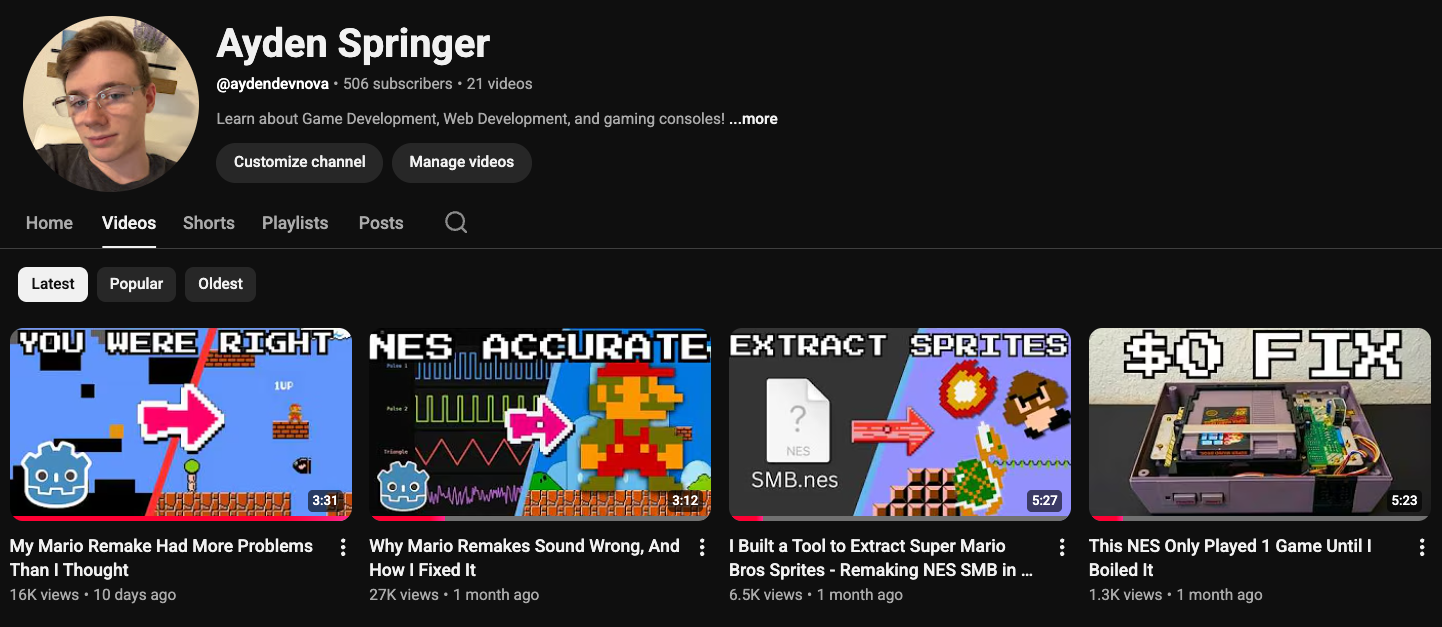
This project doubled as my entry into YouTube content creation. I structured the development into a four-part video series, each episode built around a specific challenge: the sprite extraction pipeline, the audio system, community-driven bug fixes, and the final polish pass. I was writing scripts, recording footage, editing in Remotion, and learning how to explain technical topics in a way that keeps people watching.
The series brought over 50,000 views in a single month. The feedback loop was genuinely useful. The comments drove real improvements to the game, from the skedaddling walk cycle to the damage system to the transition details. Building in public made the project better.
What I Learned
The biggest lesson is that faithfulness is expensive. Recreating the NES audio channel system costs more compute and more code than just playing back a single mixed audio file. Implementing a 5-pixel sprite crop during transitions took real effort for a detail most players will never consciously notice. Recreating performance-saving measures from old hardware is ironically more expensive on modern hardware. But those details are what separate a recreation from a knockoff, and I think that difference matters.
The DMCA constraint turned out to be a gift. Being forced to build extraction tools instead of downloading a sprite sheet gave me a real understanding of how NES graphics and audio work at the hardware level. I would not have learned any of that from a tutorial.
On the content creation side, I learned that technical depth and audience engagement are not at odds. The most detailed sections of the videos, the CHR ROM explanation and the auto-trim bug discovery, performed best in retention. People want to understand how things work, not just see the result.